How to make a Hit the Road Dude meme from your photo
 Hit the Road Dude AI
Three ways to put your face in the Hit the Road Dude meme. The fastest is one photo and a credit on this site — no prompt to write.
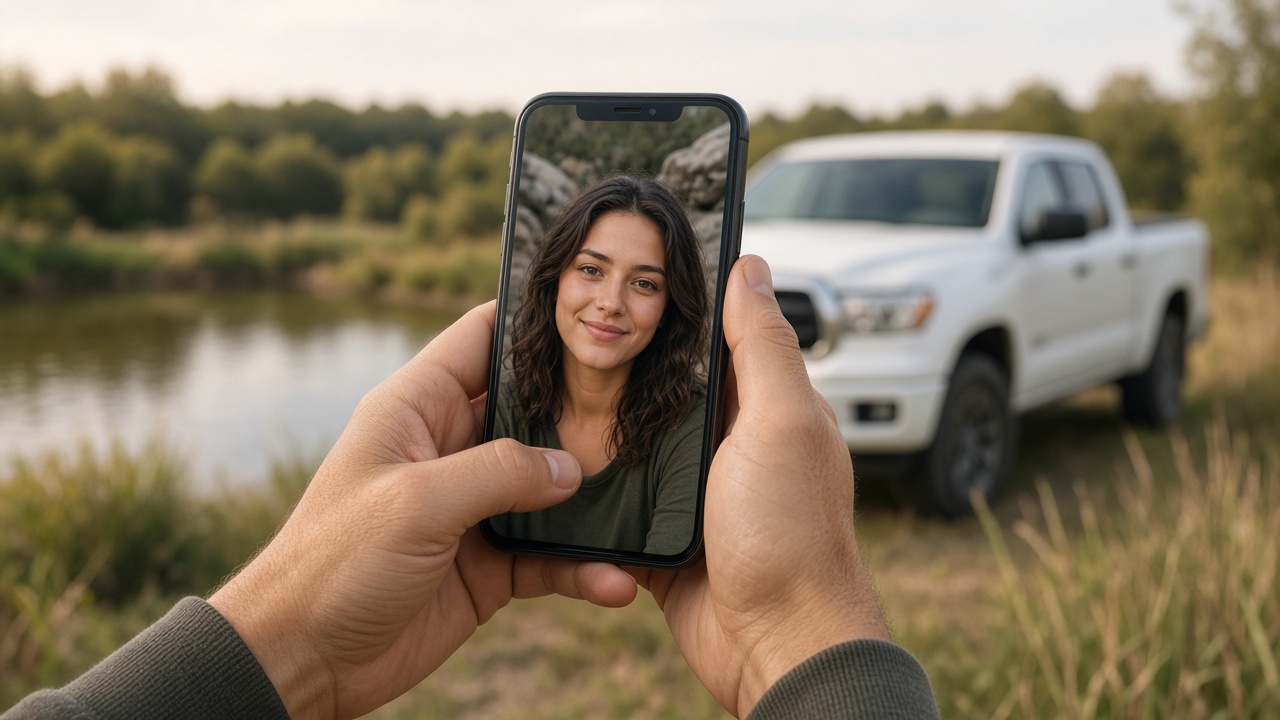
You can put yourself (or your pet) in the Hit the Road Dude meme in three ways. They all end on the same kind of clip: a white pickup by a pond, a driver leaning out the window, and the private-property send-off.
They differ in how much work you do, and in where you pay.
1. A template in CapCut or a similar app
Find a trend video, open the template the creator used, drop in your photo, and export. This is what most TikTok tutorials show.
You need the app, an account, and whatever daily credits that app still offers. You also get that template's timing — not always the same pond-side truck people came for. If you go this route, you are paying (with time or credits) somewhere else.
2. Describe the scene in a generic video model
Some people paste a long description into an image-to-video app and attach a reference photo, then retry until the face holds.
That path has the most knobs and the most waste. Faces drift. The truck changes. The line does not land. We are not going to publish a copy-paste recipe for that — it is the slow way to do a job this site already does.
3. One photo on Hit the Road Dude AI
Open the maker on this site, sign in, buy a clip credit, and upload one clear photo. You get a 15-second vertical MP4: you or your pet in the driver seat, same truck, pond, motion, and original audio.
You do not write a prompt. Checkout stays on this site.
That is the path this blog is for.
Want your photo in the truck? Buy a credit on this site and make the clip.
Buy creditsWhat to upload
- Front-facing, whole head in frame
- Even daylight
- One person, or one pet
- No sunglasses, group shots, or photos of people who did not agree
A sharper photo is worth more than a second attempt with a blurry one. Credits spent on a failed run come back; a good photo still saves you a round trip.
After you have the MP4
Download the 9:16 file and post it to TikTok, Reels, or Shorts. Label it as AI-generated where the platform asks. Keep the original send-off audio if you want the lip sync; add a trending sound on top only if you know the platform's rules.
Hit the Road Dude AI is an independent fan tool. It is not affiliated with anyone in the original viral clip.