Photo tips for a clean Hit the Road Dude clip
 Hit the Road Dude AI
The Hit the Road Dude generator only keeps what it can see. Front light, one subject, no sunglasses — then buy a credit and make the clip.
Hit the Road Dude AI puts your photo in the driver seat of the Hit the Road Dude meme. The model can only keep what is visible in that photo. A good upload looks like a person (or pet) you would recognise from across a parking lot.
Do
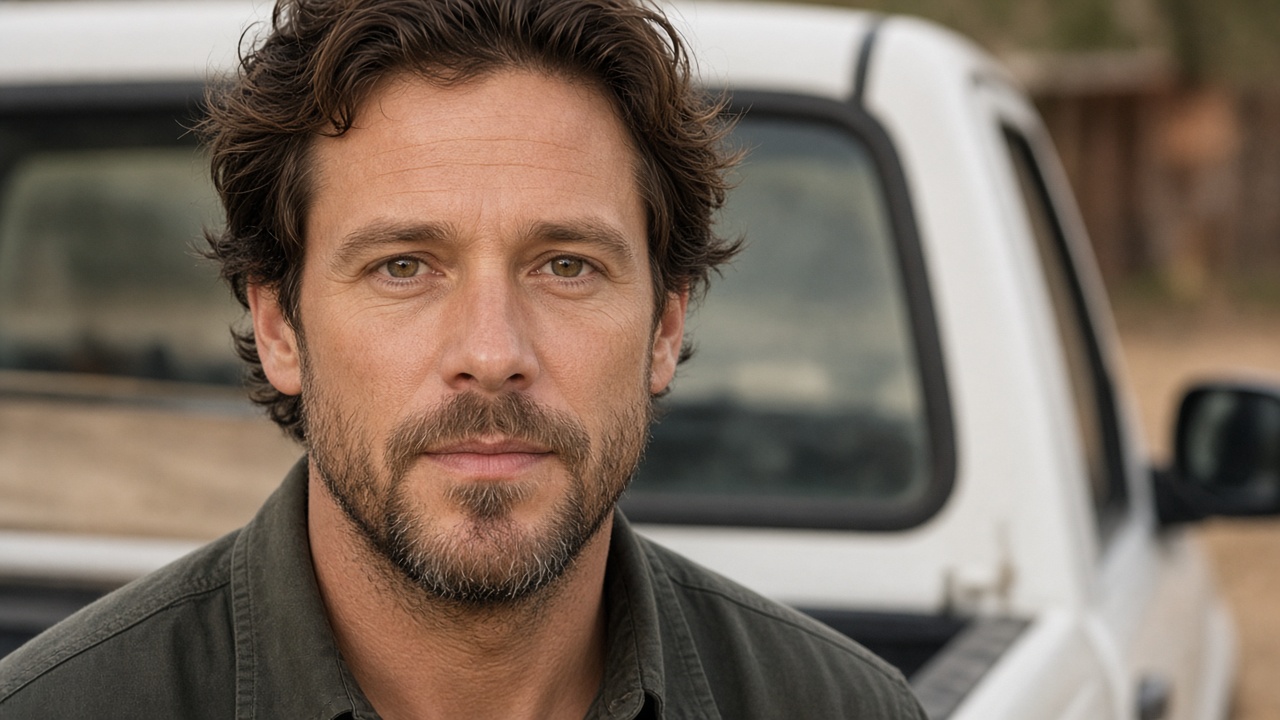
- Front-facing, whole head in frame. Hairline and chin both visible.
- Even daylight. Window light or shade outdoors. Hard noon sun on one cheek is worse than a cloudy afternoon.
- One subject. You, or your pet — not both, not a group.
- A detail that is yours. Glasses, a collar, a familiar hat. Small things help people recognise the remake.
JPG, PNG, and WebP are fine. You do not need a studio camera. You need a sharp face.
Avoid
- Sunglasses, masks, or a hand over the mouth
- Heavy filters, beauty apps, and stickers
- Group photos and cropped half-faces
- Photos of celebrities, strangers, or children who are not yours
Those usually fail in close-up. The truck scene includes a window lean; if the source face is half missing, the seat looks wrong.
Whose photo is allowed
Yourself, your pet, or an adult who agreed to appear. That is the whole list.
If a run fails, the credit comes back. Try a sharper, more frontal photo before buying another pack.
Want your photo in the truck? Buy a credit on this site and make the clip.
Buy credits